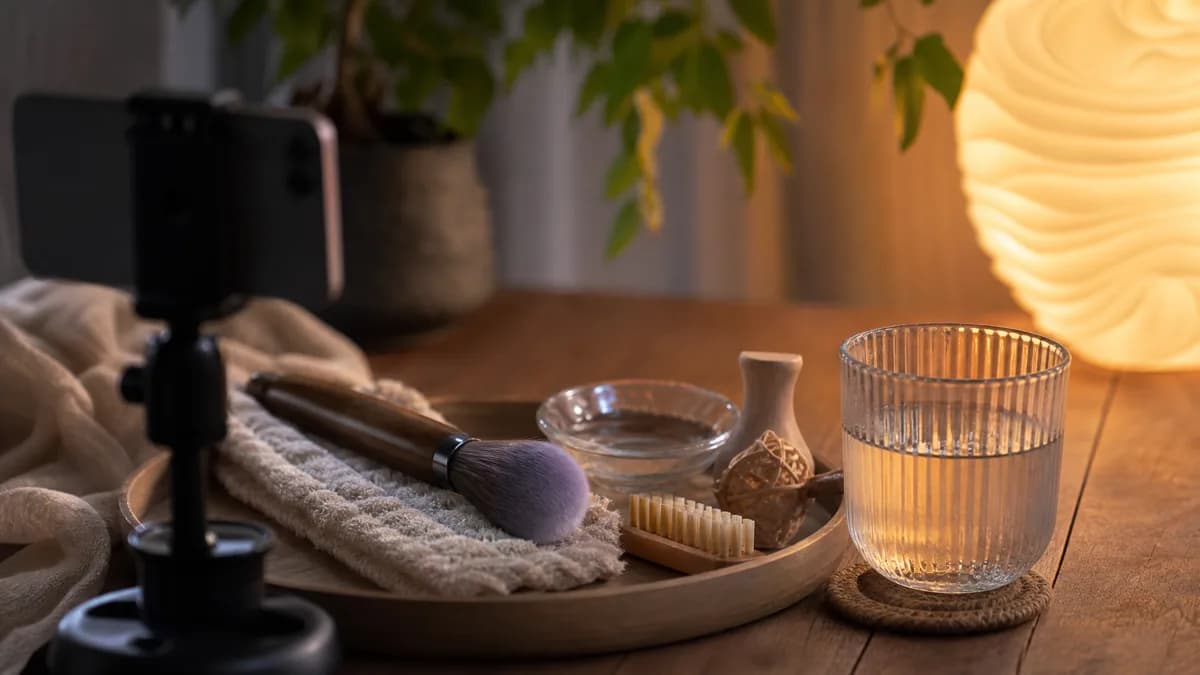
Learning how to make ASMR videos with AI is less about writing one magic prompt and more about building a repeatable creative process. The best results usually come from one clear sensory idea, a controlled visual scene, a focused motion prompt, and a few rounds of small iteration.
That matters because ASMR is different from general AI video. A normal AI video prompt often rewards dramatic camera movement, a busy scene, and fast changes. ASMR usually works in the opposite direction. It needs quiet pacing, stable composition, tactile detail, and motion that feels satisfying without demanding too much attention.
If you want to create ASMR with AI for YouTube, TikTok, sleep loops, product texture videos, meditation visuals, or faceless creator channels, this workflow will give you a reliable starting point.
Start with one sensory promise
Before opening an AI ASMR video maker, decide what the viewer is supposed to feel. A good ASMR concept has one sensory promise, not five competing ideas.
Strong starting points include:
- rain droplets sliding down glass
- moisturizer spreading across reflective acrylic
- candle wax melting beside a small flame
- steam rising from tea in soft morning light
- silk fabric shifting in slow airflow
- fruit being sliced in a clean macro shot
- soap foam expanding and settling
- water ripples moving across a spa surface
Each idea is simple, but it gives the model something specific to animate. A
prompt like make a relaxing ASMR video leaves too much room for generic output.
A prompt like macro rain droplets sliding slowly down a warm bedroom window
already defines the subject, motion, lighting, and mood.
Choose the right creation mode
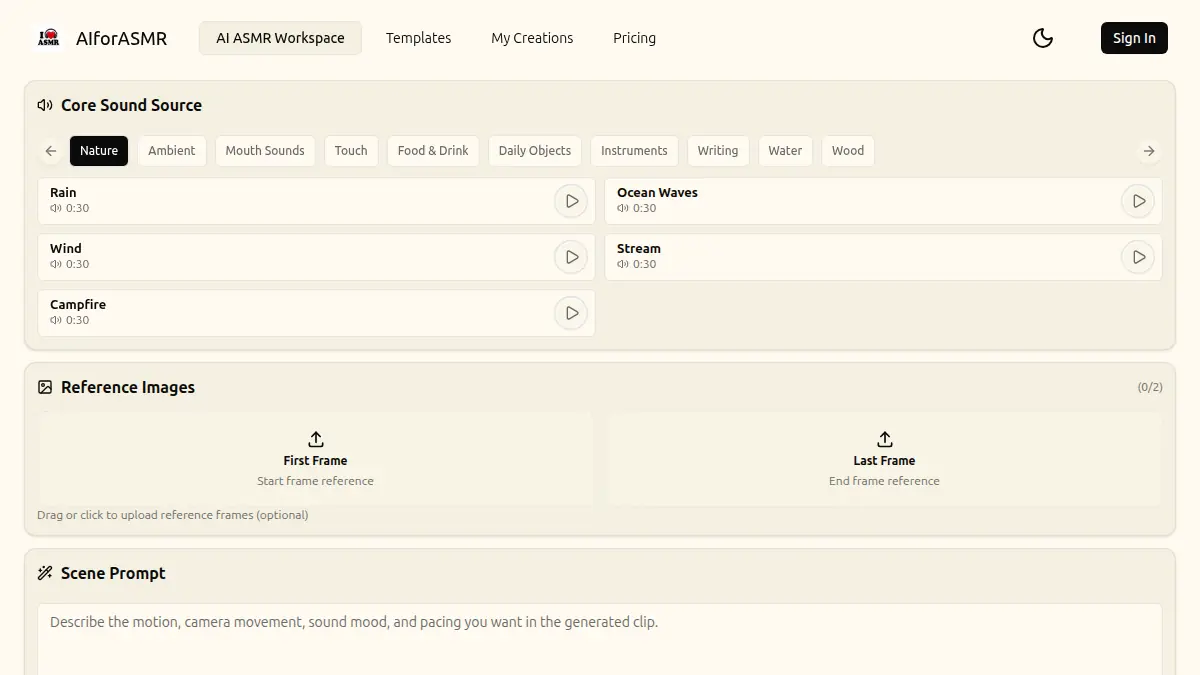
Most AI ASMR workflows start in one of three ways: text to video, image to video, or template-led creation.
Text to video is useful when you are exploring ideas quickly. You can test rain, glass, skincare, fabric, cutting, food texture, and sleep ambience without first creating a still image. This is the fastest way to discover a direction.
Image to video is better when the visual composition matters. If you have a product image, a specific room, a generated still frame, or a reference look, the image can anchor the scene while the prompt controls the motion. For a deeper version of that workflow, see the image to video AI ASMR workflow.
Templates are best when you want less blank-page friction. A template can package the scene type, prompt structure, model direction, and common settings. For repeatable scenes, browse the ASMR templates before writing a prompt from scratch.
Write the prompt in layers
A reliable AI ASMR video prompt usually has six layers:
- Subject
- Material or texture
- Motion
- Camera
- Lighting
- Mood and pacing
For example:
Close-up AI ASMR video of rain droplets sliding down dark bedroom window glass,
warm lamp reflection, shallow depth of field, static macro camera, slow
gravity-driven motion, cozy sleep ambience, loop-friendly pacing, no sudden
cuts.
This prompt works because it does not ask for everything at once. It tells the model what should be visible, what should move, how the camera should behave, and what kind of emotional tone the video needs.
Use motion words carefully
Motion language has a large effect on ASMR output. Words like explode,
splash, rush, spin, or fast transition usually push the result toward
action content. For ASMR, use slower motion verbs:
- slide
- drift
- melt
- spread
- ripple
- settle
- merge
- fold
- press
- glide
The goal is not a static image. The goal is motion that feels controlled. A viewer should be able to watch the scene for longer than a few seconds without feeling pulled out of the mood.
Keep the camera calm
Camera direction is where many AI ASMR videos fail. A dramatic camera move can look impressive, but it often ruins a sleep loop or background visual.
Use phrases like:
- static macro camera
- locked-off close-up
- subtle camera drift
- shallow depth of field
- no handheld shake
- no sudden zoom
- no fast cuts
For social clips, a tiny amount of camera drift can help the video feel alive. For sleep videos, a stable frame is usually stronger. If the output looks noisy or unstable, simplify the camera instruction before changing the whole prompt.
Make the first frame count
AI ASMR videos often perform better when the first frame already shows the texture clearly. This is especially important for short-form platforms where the viewer decides quickly whether to keep watching.
A strong first frame usually has:
- one clear subject
- visible texture
- readable contrast
- no crowded background
- no text covering the sensory detail
- a composition that still works when cropped vertically
If you are creating a video from a still image, choose the still frame as if it were a thumbnail. If the still frame is confusing, the animated result will usually be harder to control.
Match the video to the channel goal
Different ASMR channels need different outputs.
For TikTok, Shorts, or Reels, the video should have a strong visual hook and a clear texture within the first second. Fruit cutting, skincare swirls, glass droplets, and satisfying product textures can work well because the viewer sees the action immediately.
For YouTube ambience or sleep content, the video should be calmer. Rain windows, candle wax, tea steam, fabric movement, and water ripples are better because they can repeat without feeling too busy. See AI ASMR sleep loop video ideas for more loop-focused examples.
For product marketing, the scene should protect the product shape and label. Use image guidance when consistency matters, and describe only the motion you want to add around the product.
Use a negative direction when needed
Not every generator supports a separate negative prompt field, but you can still include "avoid" language in the main prompt when the scene needs guardrails.
Useful constraints include:
- no sudden cuts
- no fast camera movement
- no extra hands
- no text overlays
- no distorted product label
- no harsh flashing lights
- no busy background
- no horror mood
These constraints are especially helpful for sleep, wellness, and skincare content. They tell the model what would break the ASMR experience.
Iterate by reducing complexity
When an AI ASMR video looks wrong, the instinct is often to add more words. That usually makes the scene harder to control. A better iteration loop is:
- Remove extra subjects.
- Keep one motion type.
- Simplify the lighting.
- Make the camera more stable.
- Add one specific texture detail.
- Generate again.
If a rain scene becomes a wide storm shot, bring the prompt back to the window surface. If a skincare scene becomes too busy, return to one cream or serum texture. If a sleep loop feels distracting, reduce contrast and camera motion.
Plan free and paid generation realistically
Many people search for an AI ASMR video generator free workflow first. That is a reasonable way to test ideas, but free workflows often have limits around queue time, quality, duration, watermarking, model choice, or credits.
Before producing a batch of videos, decide what you are trying to validate:
- Is the concept worth making?
- Does the prompt structure work?
- Does the first frame fit the channel?
- Is the motion stable enough?
- Do you need longer duration or higher consistency?
Use free or low-cost runs to test the concept, then move the best prompts into a more controlled workflow. You can review AIforASMR generation options from the AI ASMR video generator and check credit planning on the pricing page.
Example workflow
Here is a practical workflow for a faceless ASMR creator:
- Pick a category, such as rain glass, skincare, fruit cutting, candle wax, or fabric.
- Write one prompt using subject, texture, motion, camera, lighting, and mood.
- Generate a short test.
- Save the best result or still frame as a reference.
- Create two variations by changing only one element at a time.
- Keep the most stable version.
- Use the same prompt structure for the next video in the series.
This creates consistency. A channel built around one repeatable visual language is easier to recognize than a channel that changes style every post.
Final checklist
Before generating, check the prompt against this list:
- Does the video have one main subject?
- Is the tactile texture visible?
- Is the motion slow enough for ASMR?
- Is the camera stable?
- Is the lighting consistent?
- Could the result loop without feeling abrupt?
- Is the output goal clear: short clip, sleep loop, product visual, or meditation background?
AI can make ASMR video production faster, but the creative discipline is still the same: keep the scene focused, make the motion satisfying, and remove anything that breaks the calm.