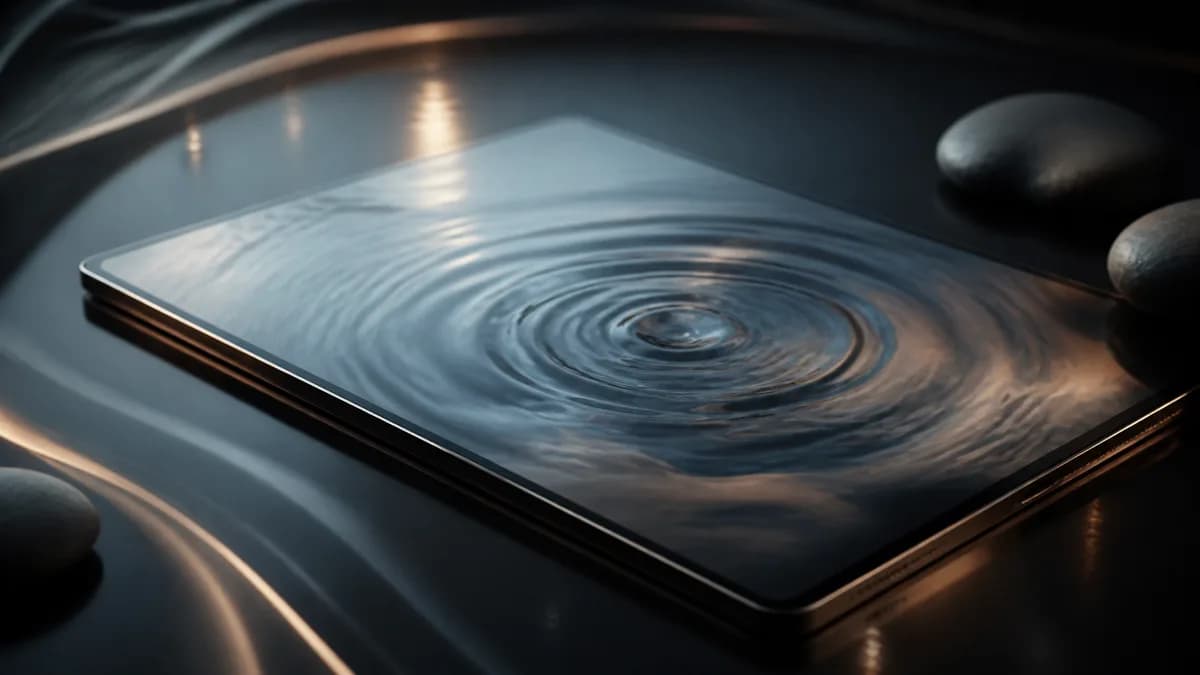
Image-to-video ASMR is one of the most controlled ways to make AI ASMR content. Instead of asking a model to invent the entire scene from text, you start with a still image that already defines the composition. The prompt then adds motion: droplets sliding, steam rising, candlelight flickering, cream spreading, fabric shifting, or water rippling.
This matters for ASMR because small visual details carry the experience. A good still frame can preserve the object, lighting, color palette, and camera angle, while the AI video prompt focuses on the sensory movement.
When image to video works best
Use image to video when consistency matters more than exploration.
Good use cases include:
- product texture videos where the jar, bottle, or label should stay stable
- rain window scenes where the room and glass shape should remain consistent
- skincare or spa visuals with a specific color palette
- candle, tea, fabric, soap, or water scenes with a clean composition
- faceless ASMR clips where the first frame must look polished
- sleep loop visuals that should not change scene halfway through
Text-to-video is still useful for fast ideation. But if you already have a promising visual, image to video gives the model a stronger anchor.
Step 1: Choose a still image with one clear subject
The input image should be simple enough that the viewer understands it in one glance. ASMR usually benefits from less visual competition.
Strong still images have:
- one main object or surface
- visible tactile texture
- clean foreground and background separation
- lighting that already matches the mood
- no tiny text that must remain perfectly readable
- enough empty space for vertical or square cropping if needed
Good examples include a rain-covered window, a skincare jar on reflective glass, a candle on a wooden table, folded silk fabric, water droplets on a leaf, or a spa bowl with soft light.
Avoid crowded stills with many objects, harsh shadows, strong motion blur, or important text near the edge of the frame. If the still image is visually noisy, the video usually becomes harder to control.
Step 2: Tell the model what should stay fixed
A common mistake is describing the entire scene again in the prompt. When the image already defines the scene, the prompt should protect that composition.
Use language like:
Keep the main subject, camera angle, color palette, and composition consistent.
Do not change the object shape or background layout.
This is especially helpful for product scenes. If the image contains a skincare jar, you probably want the cream texture to move, not the package to morph into a different object.
Step 3: Describe only the motion you want
After you protect the image, describe the movement. Keep it narrow.
Examples:
- rain droplets slide slowly downward and merge into thin trails
- candle flame flickers gently while wax softens at the edge
- thin steam rises from a cup in slow, curling lines
- cream spreads in smooth ridges across reflective glass
- silk folds shift slightly with soft airflow
- water ripples expand slowly from the center
Motion is the heart of an image-to-video ASMR prompt. If you ask for too much movement, the model may change the scene instead of animating it.
Step 4: Control the camera
Image-to-video ASMR usually works best with stable camera language.
Use:
- static macro camera
- locked-off close-up
- subtle camera drift
- shallow depth of field
- no sudden cuts
- no fast zoom
- no handheld shake
For social clips, subtle camera drift can make the result feel less frozen. For sleep loops, a locked-off camera is usually safer.
Step 5: Add pacing and loop guidance
ASMR video should feel calm. Add pacing language directly:
slow motion, calm pacing, loop-friendly movement, no fast transitions, no sudden
lighting changes, seamless relaxing visual rhythm
If the video is meant for sleep or meditation, avoid events with a clear start and finish. A candle flame flickering can repeat. A candle being lit once has a beginning and ending, which may make looping harder.
Example image-to-video ASMR prompt
Animate this still image into a calm image-to-video ASMR scene. Keep the main
subject, camera angle, color palette, and background composition consistent.
Add slow rain droplet movement across the glass, soft warm reflections, shallow
focus, subtle camera drift, and loop-friendly pacing. No sudden cuts, no fast
camera movement, no new objects, no dramatic scene change.
This prompt works for a rain window still. For skincare, replace the movement line with the texture behavior:
Add slow cream movement across the reflective surface, glossy highlights, smooth
ridges forming and settling, premium skincare texture, static macro camera, calm
loop-friendly pacing.How to make the first image
You do not always need a photographed image. You can start from:
- a product photo
- a still frame from an earlier generation
- a generated image
- a simple scene mockup
- a cropped detail from a larger visual
For ASMR, the best still image is often a close-up. A wide room may look pretty, but it gives the model more surfaces to change. A close-up of rain glass, cream, fabric, or steam gives the motion a clear place to happen.
Image-to-video versus prompt-to-video
Use prompt-to-video when you want to test many directions quickly. It is better for ideation, early exploration, and broad category testing.
Use image-to-video when you already like the composition. It is better for product consistency, branded visuals, repeatable channel style, and polished faceless clips.
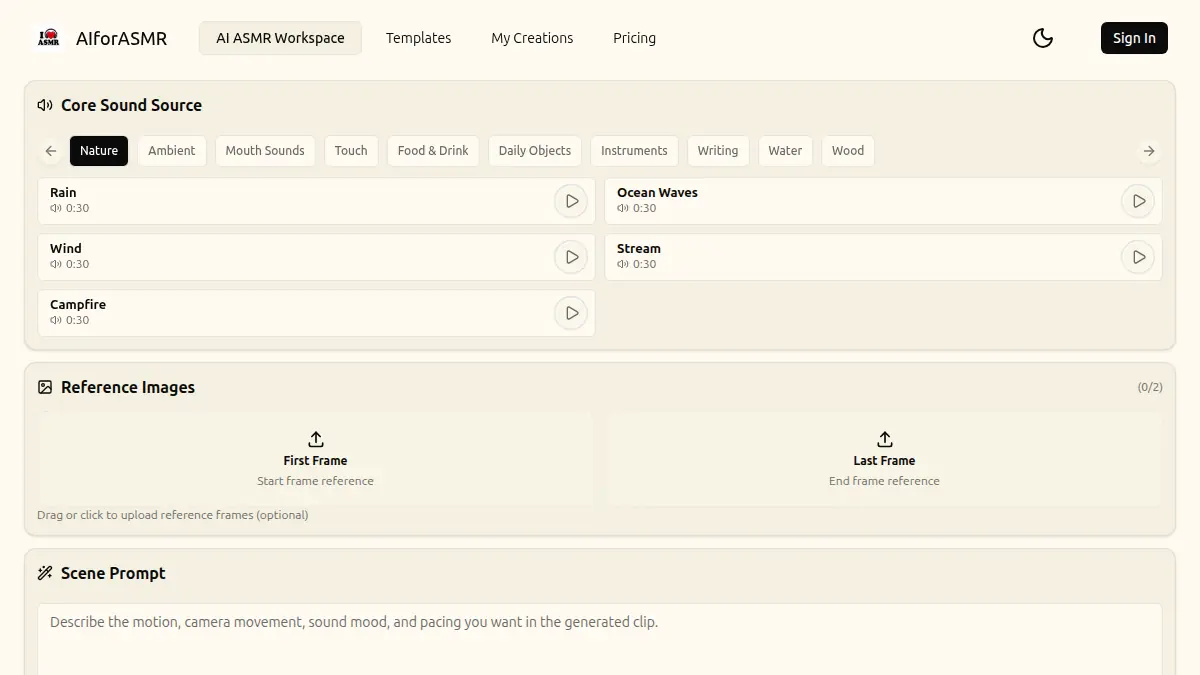
Many creators use both: prompt-to-video for exploration, then image-to-video for the final version. You can start with the AI ASMR video generator, use templates to find a strong scene structure, then turn the best still or generated frame into a more controlled video.
Troubleshooting common problems
If the object changes shape, add a stronger consistency instruction and reduce motion complexity.
If the scene becomes too busy, remove secondary objects from the prompt and focus on one texture.
If the camera moves too much, use static camera, locked-off shot, and no handheld movement.
If the loop feels abrupt, avoid one-time actions and ask for continuous, repeating motion instead.
If the lighting changes too dramatically, include consistent soft light and
no sudden lighting changes.
Best image-to-video ASMR categories
Image-to-video works especially well for:
- rain on window glass
- skincare cream, serum, oil, and gel
- candle wax and flame flicker
- tea steam and warm drink visuals
- folded fabric and soft material movement
- water ripples and spa surfaces
- soap foam and clean product textures
- sleep loop backgrounds
These categories share one strength: the motion can be small while still being visually satisfying.
Final takeaway
The best image-to-video ASMR workflow starts with a still image that already feels calm. Then the prompt should do less, not more. Protect the composition, animate one tactile motion, stabilize the camera, and keep the pacing slow.
That combination gives you a much better chance of producing an AI ASMR video that feels polished, loop-friendly, and usable for real creator workflows.