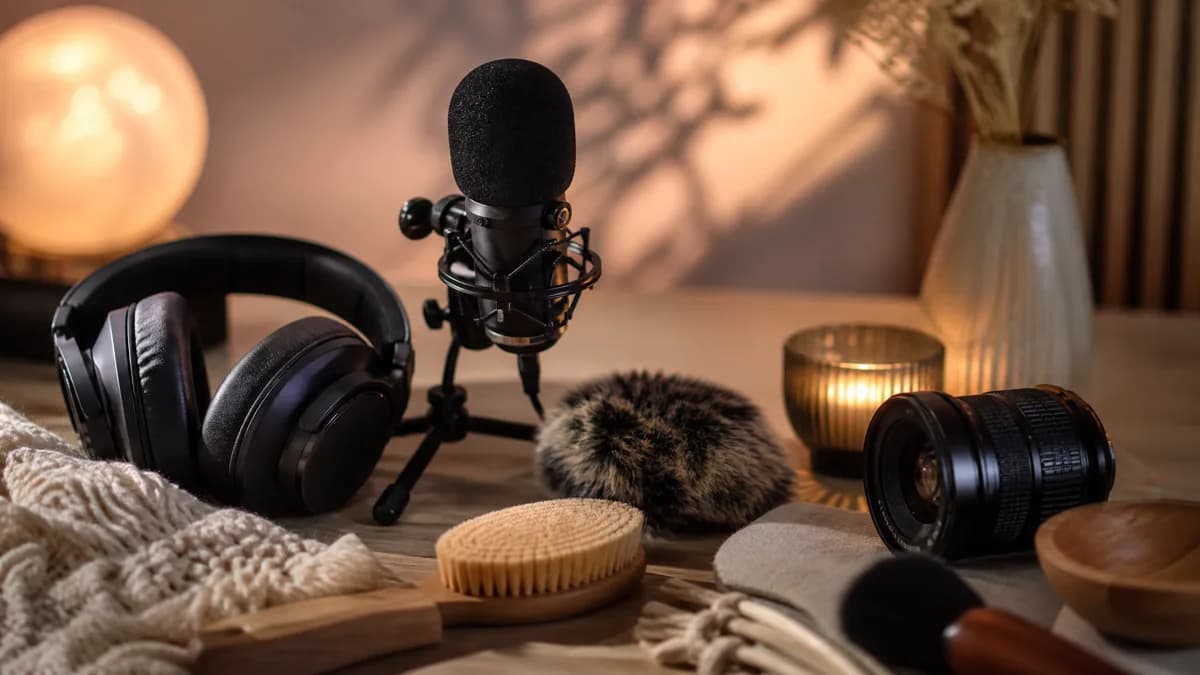
The best AI tools for ASMR creators are not only general video generators. A real ASMR workflow may include idea research, prompt writing, image generation, image-to-video, audio planning, editing, thumbnail creation, captions, and publishing analytics.
This guide focuses on tool categories rather than unsupported rankings. The right stack depends on whether you are making faceless ASMR videos, sleep loops, product texture clips, meditation backgrounds, or short-form satisfying visuals.
1. AI ASMR video generator
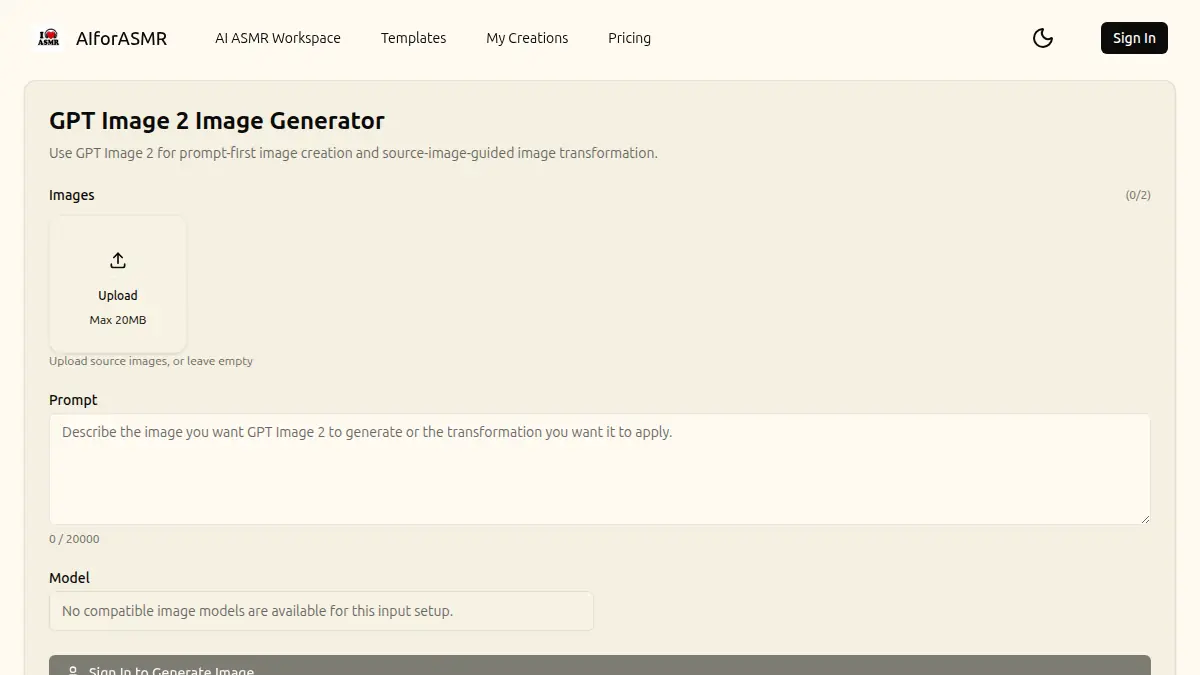
The core tool is an AI ASMR video generator. This is where prompts, images, and templates become video assets.
Look for a generator workflow that supports:
- text-to-video for quick concept testing
- image-to-video for visual consistency
- calm templates or prompt presets
- stable camera and loop-friendly direction
- clear model and duration options
- predictable usage or credit planning
AIforASMR is built around calm, tactile video creation. You can start with the AI ASMR video generator, explore templates, and review pricing before producing larger batches.
2. Prompt planning tools
Prompt planning tools help creators turn rough ideas into repeatable scene directions. This can be as simple as a notes app, a spreadsheet, or a writing assistant that helps organize prompt layers.
A useful ASMR prompt library should track:
- category
- subject
- texture
- motion
- camera
- lighting
- mood
- negative constraints
- final result notes
This is important because ASMR output improves through small changes. If you do not track what changed, it is hard to reproduce a good result.
For examples, see ASMR video prompt examples.
3. AI image tools
Image tools are useful when you want stronger control before video generation. You can create a still frame first, then animate it with image-to-video.
Use AI image tools for:
- product mockups
- rain window stills
- spa scenes
- skincare texture compositions
- candle and tea setups
- faceless channel style frames
The still image does not need to be complex. In fact, simple images often work better for ASMR. One clear subject and one visible texture give the video model a stronger anchor.
4. Image-to-video tools
Image-to-video tools are especially useful for ASMR because they protect the composition. If a still image already has the right mood, the video prompt only needs to add motion.
Use image-to-video for:
- keeping a product shape stable
- turning a thumbnail-style still into a clip
- creating repeated visual styles
- making sleep loops from a calm scene
- testing motion around one object
Read the image to video ASMR workflow for a detailed process.
5. Audio and sound planning tools
Even visual-first ASMR channels often need audio planning. AI tools can help outline sound layers, but creators should be careful with licensing, quality, and platform rules.
Useful audio-planning tasks include:
- listing sound cues for a scene
- planning rain, fabric, water, or tapping layers
- drafting a no-voice ambience structure
- writing a gentle narration outline
- organizing loops by mood and duration
If the final audio is generated or sourced from a library, check commercial rights before publishing.
6. Editing tools
Editing tools turn generated clips into publishable content. Even a good AI ASMR clip may need trimming, looping, color adjustment, speed control, or audio sync.
Look for editing features like:
- timeline trimming
- loop extension
- speed adjustment
- color correction
- aspect-ratio exports
- subtitle or caption support
- simple batch export
For sleep videos, editing is often about removing distractions. For social clips, editing is often about making the first second clearer.
7. Thumbnail and title tools
ASMR thumbnails should show the texture clearly. AI tools can help create or test still frames, but the strongest thumbnails usually keep the visual simple.
Good thumbnail directions include:
- macro texture close-up
- visible rain droplets
- glossy cream or serum detail
- candle flame in warm light
- clean fruit cutting surface
- calm water ripple
Avoid cluttered thumbnails with too many objects. If the viewer cannot understand the sensory promise quickly, the title has to work harder.
8. Publishing and analytics tools
Once you publish, analytics tools help you learn which categories work. Track performance by visual type, not only by title.
Useful fields include:
- rain, skincare, candle, water, fabric, cutting, or meditation
- vertical or horizontal format
- prompt family
- first-frame style
- duration
- retention notes
- click-through notes
This turns publishing into a feedback loop. You can make more of what works instead of guessing from memory.
A simple ASMR creator stack
For a lean AI ASMR workflow, use:
- A prompt library to plan ideas.
- An AI image tool when you need a strong still frame.
- An AI ASMR video generator for text-to-video and image-to-video.
- A video editor for trimming, looping, and exports.
- A thumbnail tool for clear sensory previews.
- Analytics notes to improve the next batch.
This stack is enough for most faceless ASMR, sleep loop, meditation, and product texture workflows.
How to choose tools
Ask these questions before adding another tool:
- Does it improve video quality or only add complexity?
- Does it help with a repeated task?
- Does it protect consistency across a channel?
- Does it support the aspect ratios you need?
- Are usage rights clear enough for your publishing goal?
- Can it fit your credit or subscription budget?
The best AI tools for ASMR creators are the ones that reduce friction without making the content feel generic.
Final takeaway
An ASMR creator does not need every AI tool. The strongest workflow combines a focused generator, a clear prompt library, image control when needed, practical editing, and a simple feedback loop. Start small, track what works, and build a repeatable system around the calm visual categories your audience actually watches.