
01
Choose Text / Image or Reference mode
Use Text / Image for prompts and up to two guiding frames. Choose Reference when you want to combine image, video, or audio inputs.
0 images = text to video. 1 image = animate a still. 2 images = first and last frames.
Ready to Generate
Seedance 2.0 Prompt Ideas
Explore scene ideas, then adapt the prompt and references to your own video. The visuals below are inspiration for your next generation.



Create with Seedance
Start from words, animate an image, or combine references to give Seedance 2.0 more context for the motion and scene you want.

Describe the subject, action, camera, and mood. Start with Seedance 2.0 Fast to explore directions and refine your idea.

Use one image as a starting frame, or add a second image to guide how the shot begins and ends.
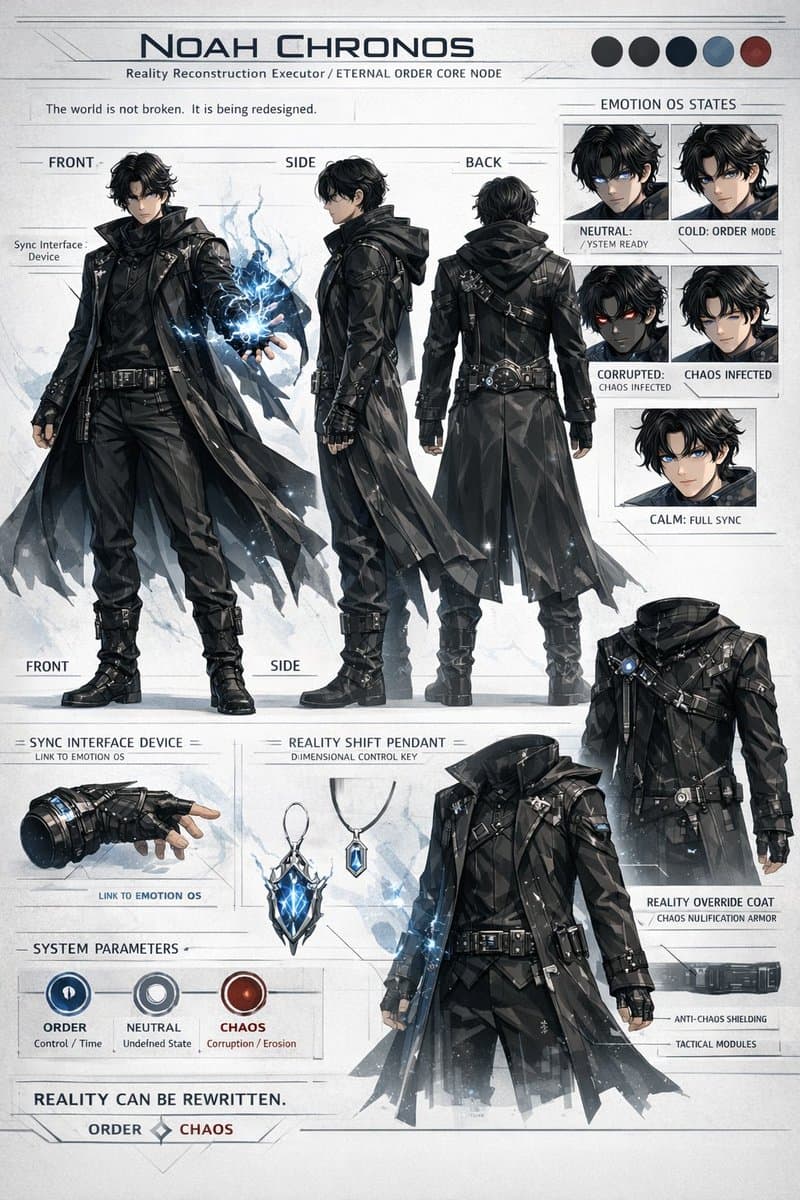
Combine reference images with video or audio when the movement, appearance, or sound matters to your concept.
Choose a workflow, set your references, and refine the prompt before generating. The available settings and credit cost update with the selected model.
Use Text / Image for prompts and up to two guiding frames. Choose Reference when you want to combine image, video, or audio inputs.
Fast is selected by default for initial exploration. Switch to Seedance 2.0 if you need its higher-resolution options.
Name the subject, action, camera movement, lighting, and pacing. For references, explain how each should influence the result.
Check duration, resolution, uploaded references, and the displayed credit cost before creating your video.
Answers about Seedance 2.0 models, inputs, reference media, and generation settings.
Seedance 2.0 Fast is the default for quick exploration and offers 480p and 720p. Seedance 2.0 offers 720p, 1080p, and 4K options. The credit cost changes with the model and settings you choose.
Yes. Leave the image input empty in Text / Image mode and describe the scene in your prompt.
Yes. Add one image to animate a still, or two images to guide the first and last frames of a video.
You can use reference images, videos, and audio. Video and audio uploads each have a 15-second total duration limit; supported files and size limits are shown beside the upload fields.
Seedance 2.0 Fast is selected by default when it is available. You can switch to Seedance 2.0 in the model selector.
Start with Seedance 2.0 Fast, add a prompt or references, and see the credit cost before you generate.