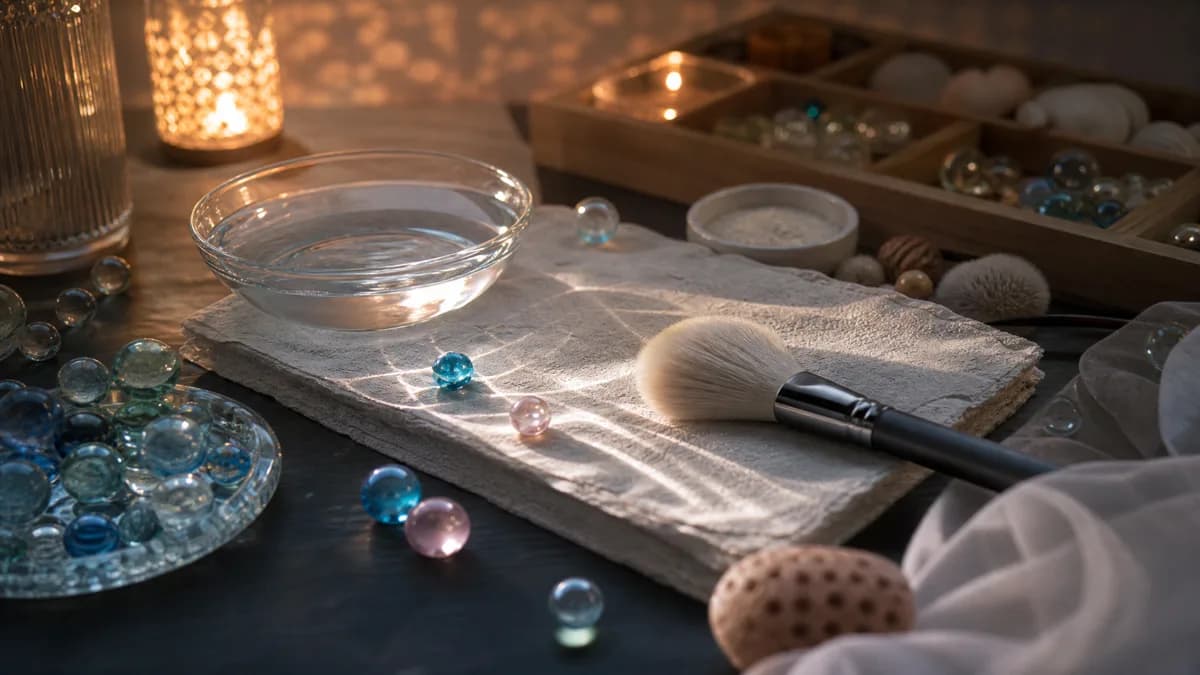
An AI ASMR video generator helps creators turn calm sensory ideas into short videos without filming every scene by hand. Instead of setting up a camera, lights, props, and a quiet recording space, you can describe a tactile visual: rain on glass, cream spreading, candle wax melting, tea steam rising, fabric folding, or water rippling in soft light.
Searches like ai asmr video generator, ai asmr video generator free, asmr video maker, and asmr video generator prompt all point to the same practical
need: creators want a faster way to make relaxing, satisfying, faceless ASMR
visuals.
This guide explains how to think about the workflow, what free and paid options usually mean, and how to get better results from prompts, images, and templates.
What an AI ASMR video generator should do
A general AI video generator can create many kinds of clips, but ASMR has a more specific creative standard. The video should feel calm, tactile, and controlled.
A useful ASMR generator workflow should help with:
- prompt-to-video creation for quick concept testing
- image-to-video creation for stronger visual consistency
- templates for common ASMR scenes
- stable camera direction
- loop-friendly pacing
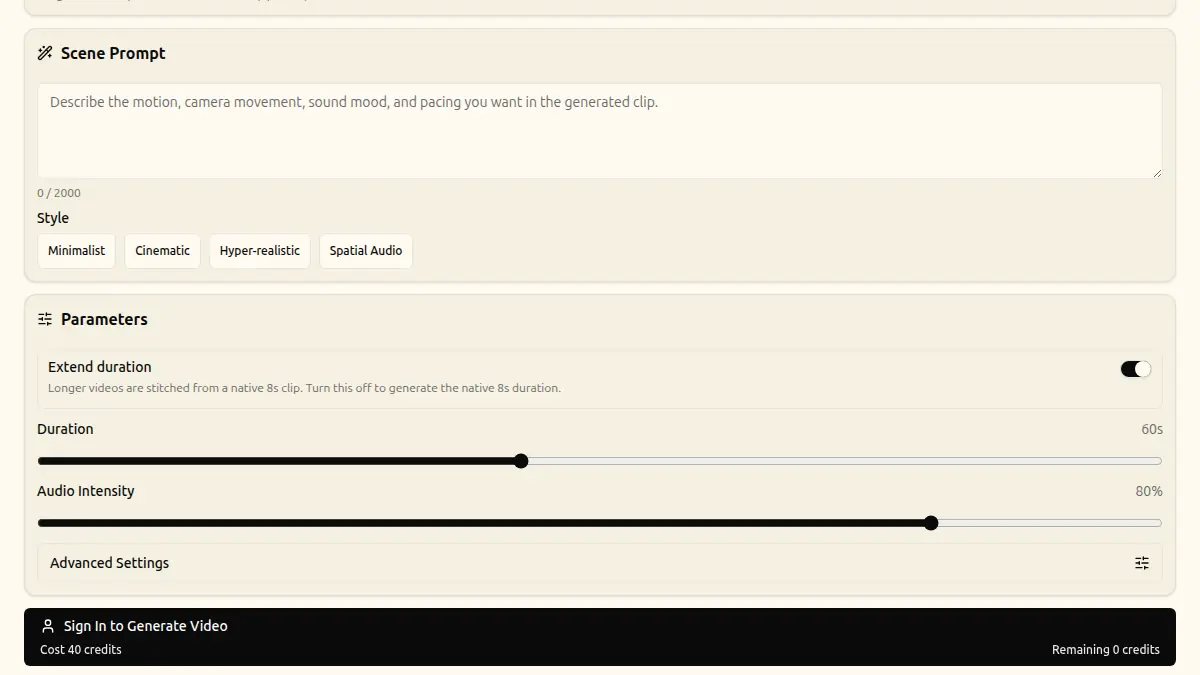
- model and duration choices
- predictable credit or usage planning
The goal is not only to make a video. The goal is to make a video that feels watchable as ASMR.
Free AI ASMR video generator workflows
Many creators begin by looking for a free AI ASMR video generator. That makes sense when you are still testing a content category or learning how prompts behave.
Free workflows are useful for:
- testing whether an idea works visually
- comparing prompt styles
- building a shortlist of scene categories
- learning what the model handles well
- making early drafts for a creator channel
But free workflows often come with limits. Depending on the tool, those limits may include shorter duration, slower queue time, limited model choice, lower resolution, fewer retries, watermarks, or restricted commercial use. Always check the tool's terms before publishing generated content.
For AIforASMR, the practical path is to test ideas, keep the best prompt patterns, then use the AI ASMR video generator and pricing pages to plan larger batches.
Paid workflows and why they matter
Paid generation is usually less about "better prompts" and more about production control. If you are creating a series of sleep loops, product textures, or short-form ASMR posts, you need predictable output quality and enough iterations to refine the result.
Paid workflows can matter when you need:
- higher consistency across a batch
- more model or setting choices
- more attempts for prompt refinement
- longer or cleaner outputs
- fewer restrictions on production use
- clearer credit planning
If you only need one experiment, free testing may be enough. If you are building a content library, a faceless YouTube channel, or product marketing visuals, you will usually need a more structured workflow.
Prompt-to-video versus image-to-video
Prompt-to-video is the fastest way to start. You write a scene description and let the generator create the visual. It is best for broad exploration.
Good prompt-to-video ideas include:
rain droplets sliding down a bedroom windowmacro skincare cream spreading across glasscandle wax melting in warm lightsoft fabric shifting in slow airflowtea steam rising in morning light
Image-to-video is better when you already have a strong still image. The still image anchors the composition, while the prompt adds motion. This is useful for product visuals, branded scenes, and consistent faceless channel styles. See the image to video ASMR workflow for a step-by-step guide.
What makes an ASMR prompt work
A strong ASMR video prompt usually contains:
- subject: what the viewer sees
- texture: what material or surface matters
- motion: what slowly changes
- camera: how the shot is framed
- lighting: how the mood feels
- pacing: how calm or loop-friendly it should be
Example:
Close-up AI ASMR video of glossy moisturizer spreading slowly across reflective
glass, soft studio light, shallow depth of field, smooth cream ridges forming
and settling, static macro camera, calm loop-friendly pacing, no fast cuts.
This is stronger than make skincare ASMR because it gives the model a real
scene to build.
Best ASMR generator categories
Some ASMR categories work better with AI video generation than others. The best ones usually have simple motion and clear texture.
Rain and window ambience
Rain on glass is a reliable sleep and ambience category. It is visually simple, loop-friendly, and easy to understand from the first frame.
Skincare and product texture
Cream, serum, gel, oil, and foam can create satisfying macro visuals. These scenes also work for beauty brands and social clips.
Candle and wax visuals
Candlelight gives warm mood and slow movement. It is useful for meditation, sleep, spa, and relaxing videos.
Fabric and soft material
Fabric movement works well for faceless ASMR because it feels tactile without needing a person on camera.
Water and spa surfaces
Water ripples, droplets, and reflective spa scenes are useful for relaxing video generator and meditation video generator searches.
How to make videos feel less generic
Many AI ASMR videos look generic because the prompt only names the category. To make the result more specific, add one detail in each layer.
Instead of:
ASMR rain videoUse:
Static macro shot of rain droplets sliding down dark bedroom window glass,
warm lamp glow reflected in each droplet, shallow focus, slow gravity-driven
movement, cozy sleep ambience, seamless loop.
Instead of:
ASMR cutting videoUse:
Macro AI ASMR video of a sharp knife slicing translucent jelly cubes on a clean
glass surface, soft studio light, slow precise cuts, satisfying texture, static
camera, no sudden movement.
Specificity should make the scene clearer, not busier.
Using templates to move faster
Templates help because they reduce repeated decisions. Instead of rebuilding the prompt structure every time, you can start from a proven scene pattern and change the subject, material, or mood.
Templates are especially useful for:
- beginners learning prompt structure
- creators making a series
- product teams testing many visual angles
- sleep channels that need consistent loop styles
- social teams that need fast short-form variations
Browse ASMR templates when you want a starting point for a common scene, then adjust the prompt for your object, lighting, and motion.
A simple production workflow
Use this workflow when making a batch of AI ASMR videos:
- Pick one category, such as rain, skincare, candle, fabric, or water.
- Write one prompt with subject, texture, motion, camera, lighting, and pacing.
- Generate a short test.
- Save the best frame or result.
- Create two variations by changing only one detail each.
- Keep the most stable direction.
- Repeat the same structure for a series.
This workflow is better than creating ten unrelated prompts because it teaches you which details actually improve the output.
Final takeaway
The best AI ASMR video generator workflow is focused. Start with one sensory idea, write a layered prompt, keep the camera calm, and use free testing for concept validation before spending more credits on a polished batch.
AI can make the process faster, but good ASMR still depends on restraint. The quieter and clearer the scene, the more satisfying the final video usually feels.