
01
Describe the shot like a director
Include subject, camera angle, motion, lighting, mood, and pacing. Veo 3.1 benefits from more structured cinematic prompting than vague short descriptions.
0 image = text video. 1 image = animate image. 2 images = start/end frames.
Ready to Generate
Veo 3.1 Examples
Veo 3.1 works well when the prompt needs stronger scene control, cleaner cinematic direction, more realistic motion, and better consistency across image-guided shots.
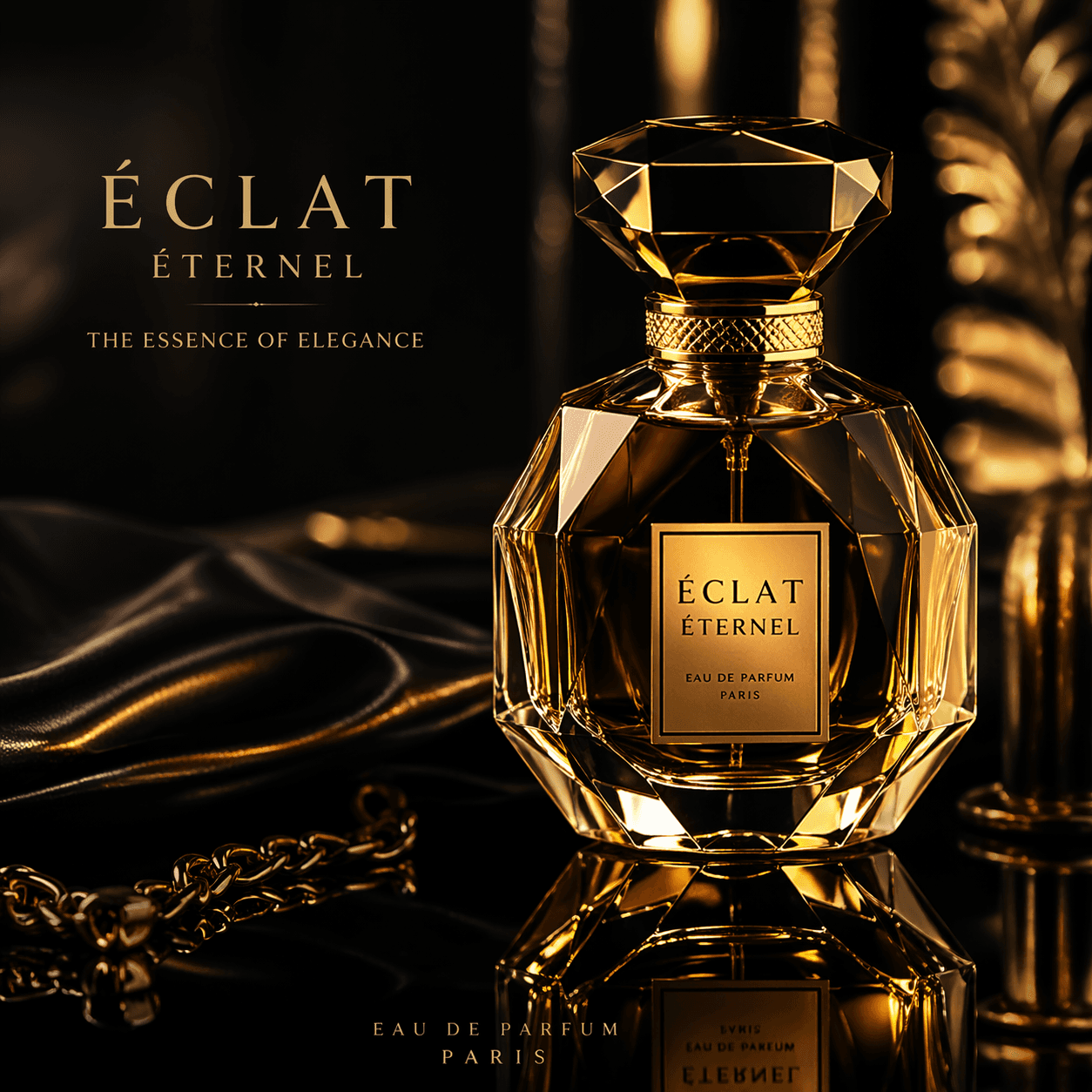

Model Strengths
Use Veo 3.1 when output quality, prompt fidelity, and more premium motion matter more than raw volume. It is especially useful for product videos, ad concepts, stylized realism, and guided image-to-video sequences.
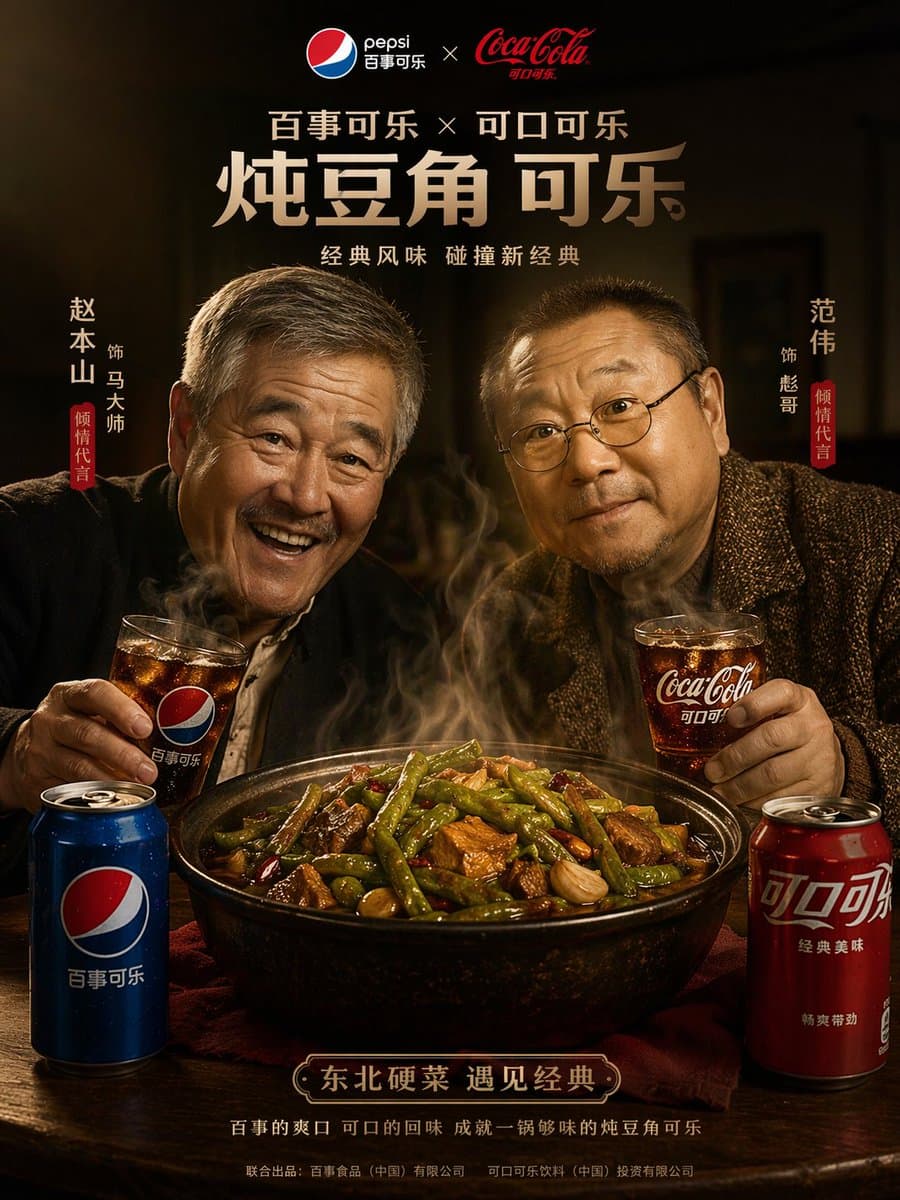
Good for beauty, food, beverage, tech, and luxury product shots where texture, camera feel, and lighting detail need to look more polished.
A strong option for scenes that depend on precise camera direction, atmosphere, subject action, or more structured visual storytelling from text alone.
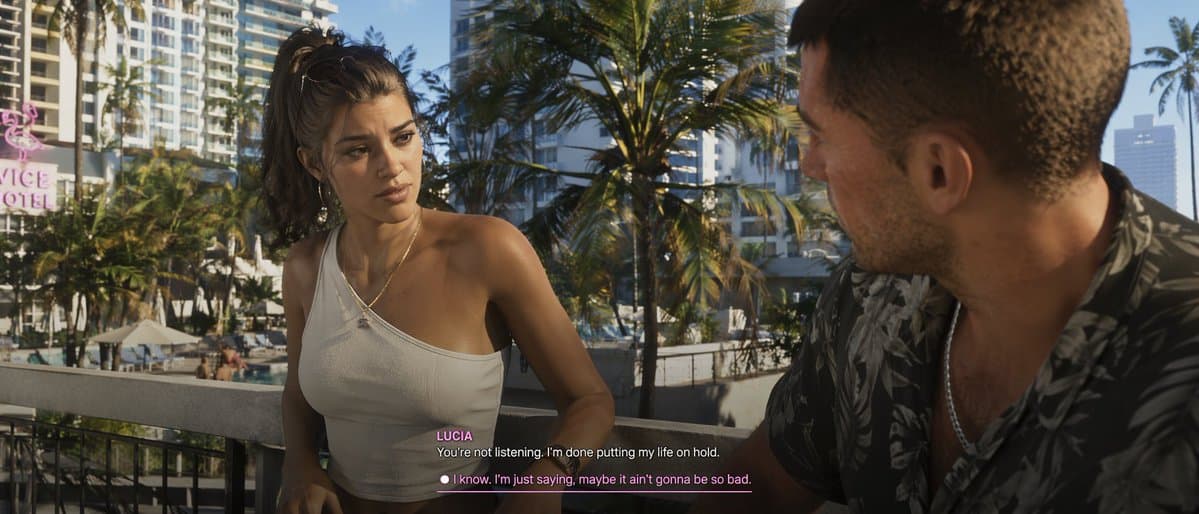
Useful when you want Veo 3.1 quality with image guidance, especially for controlled product motion, visual transitions, and premium scene continuity.
Veo 3.1 performs best when the prompt clearly defines subject, motion, lens feel, lighting, and scene intent. Use image guidance only when you need more structure or tighter continuity.
Include subject, camera angle, motion, lighting, mood, and pacing. Veo 3.1 benefits from more structured cinematic prompting than vague short descriptions.
Text-only is best for open exploration, single-image works for animating a still concept, and start-end frames help shape a more intentional transition.
For premium outputs, ads, and hero assets, 1080p or above is a better fit than quick iteration mode, especially when detail and polish matter.
Adjust the prompt and image guidance until subject motion, camera behavior, and surface detail feel aligned with the visual standard you want.
Short answers about Veo 3.1 workflows, when to use this model, and how it differs from faster or lower-cost options.
Veo 3.1 is a better fit for premium prompt-led video generation, polished product scenes, cinematic concepts, and image-guided outputs where visual quality matters more than iteration speed.
Use a faster model when you need cheap iteration and rough exploration. Use Veo 3.1 when you care more about cleaner motion, stronger prompt adherence, and better-looking final outputs.
Yes. This generator supports single-image animation and start-end frame guidance, which are useful when you want more structure without giving up Veo 3.1 output quality.
Yes. Higher-resolution options are available for workflows where more detail and output quality matter, especially for premium creative work.
Prompts work best when they describe the shot clearly: subject, camera, motion, lighting, atmosphere, and style. Veo 3.1 generally rewards more structured prompting.
Open the Veo 3.1 video generator, describe the shot you want, and iterate toward a more polished final result.