
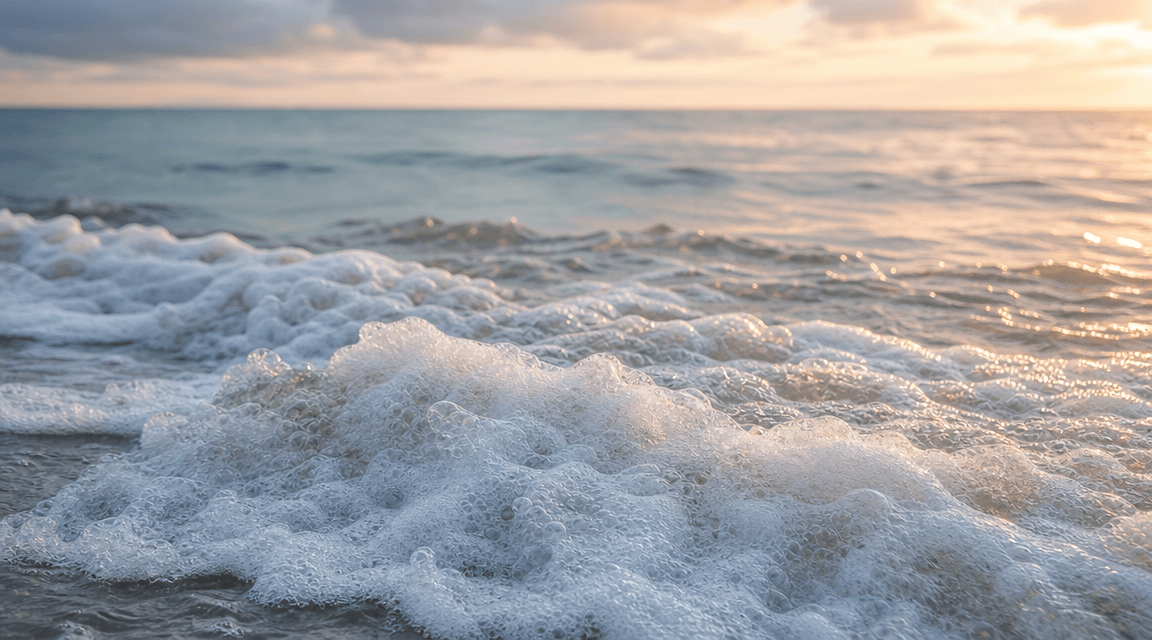
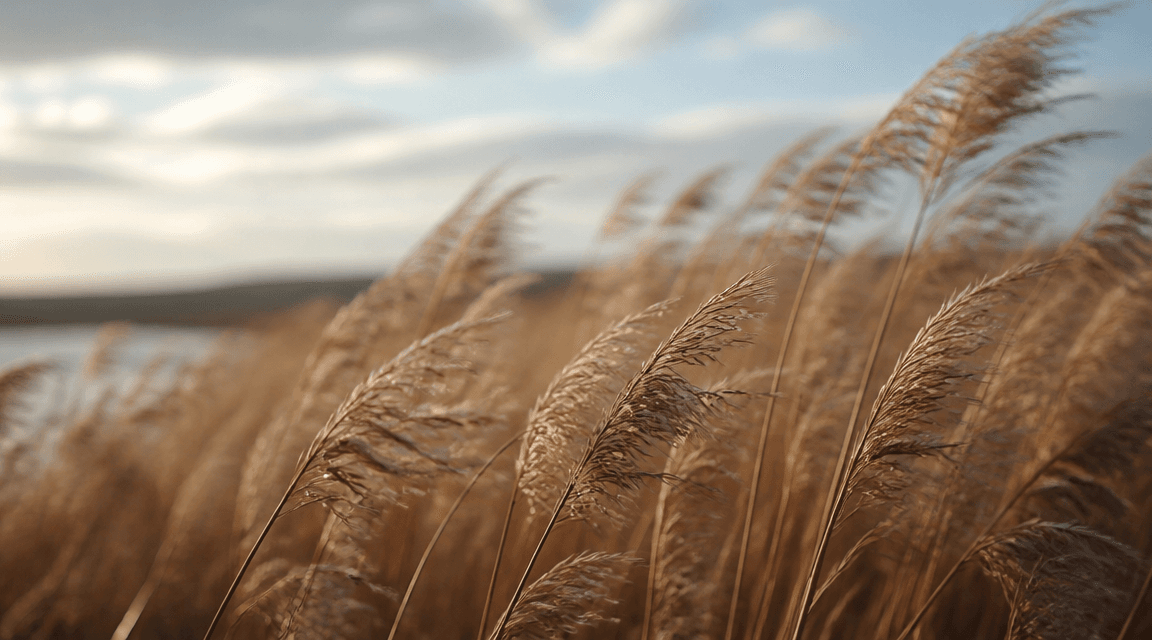
01
Write the ASMR scene prompt
Describe the atmosphere, texture, motion, camera feel, and pacing for prompt-based scenes like water ripples, candlelight, fabric, rain, skincare, or spa visuals.
Longer videos are stitched from a native 8s clip. Turn this off to generate the native 8s duration.
Configure parameters and generate to preview
Prompt Spotlights
Use prompt-first inspiration to explore text to ASMR video ideas, calm motion, tactile surfaces, ambient light, and satisfying visual repetition.
Use Cases
Generate sleep loops, rain ambience visuals, skincare texture scenes, candlelight clips, spa visuals, and other calm-motion ASMR formats with prompt-based and image to ASMR video workflows.
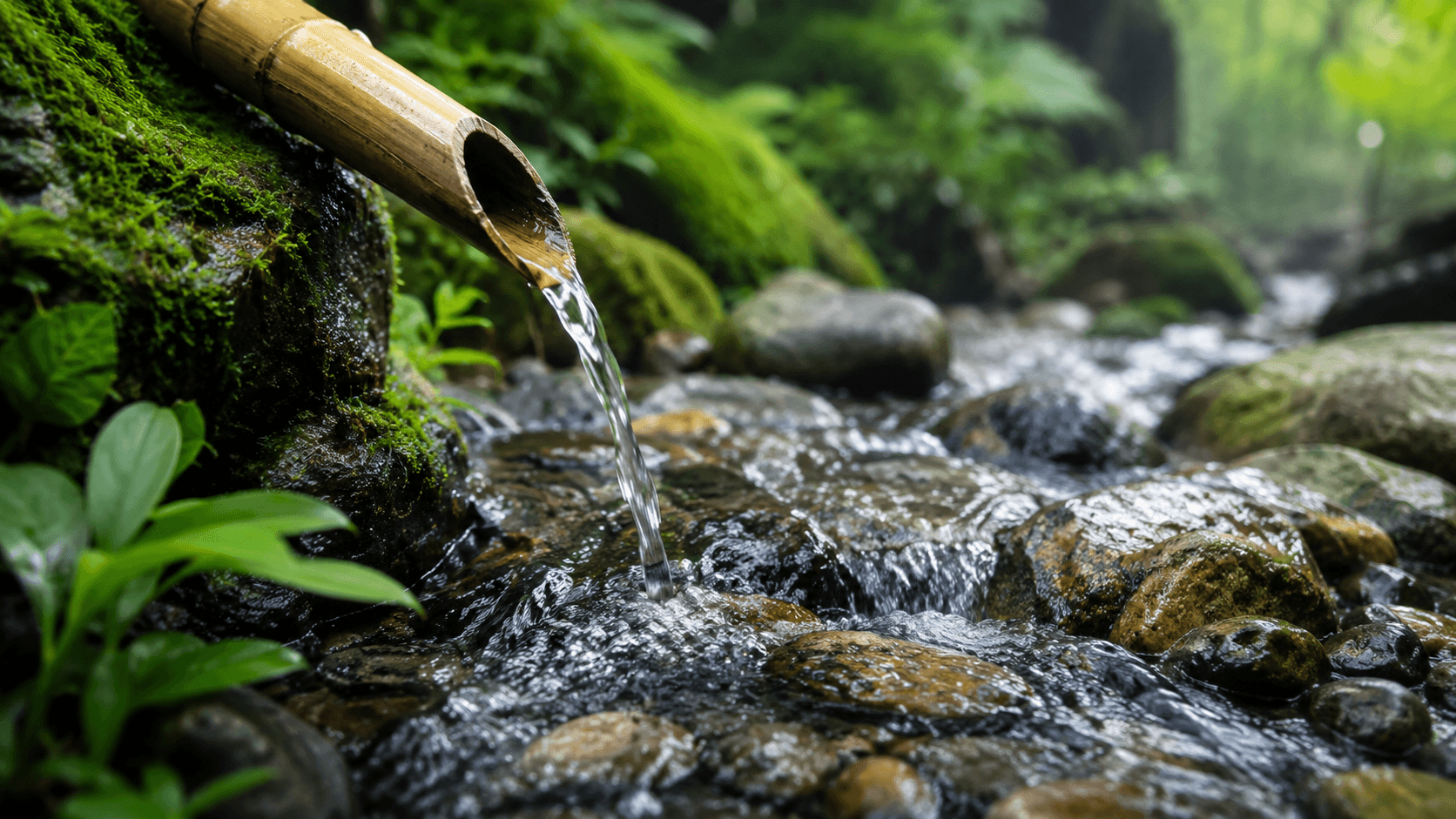
Create long-form relaxing visuals for bedtime playlists, study channels, rain ambience, or calm background scenes.
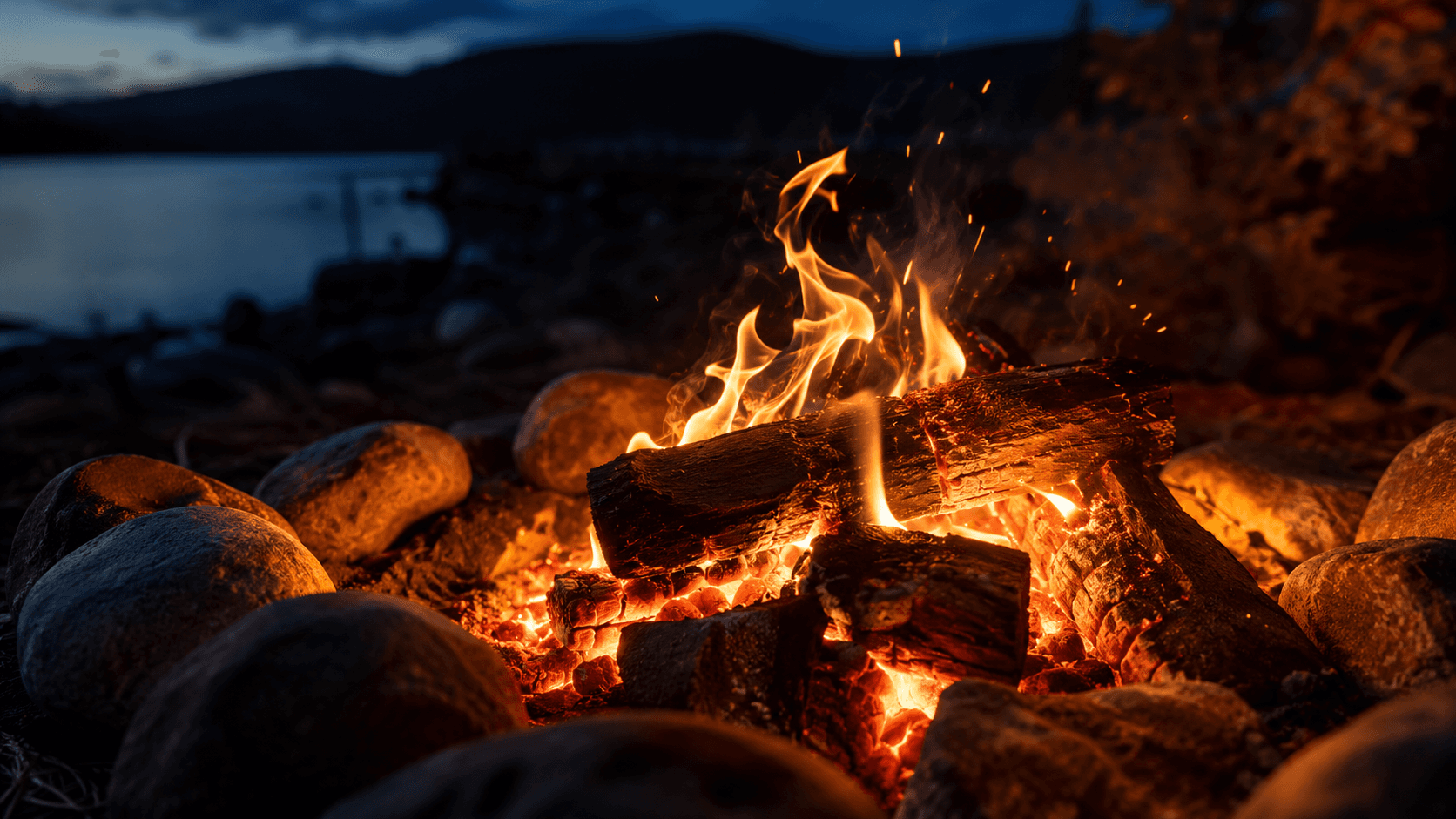
Generate image-guided closeups with droplets, creams, oils, candles, fabric, glass, and other tactile product-style details.
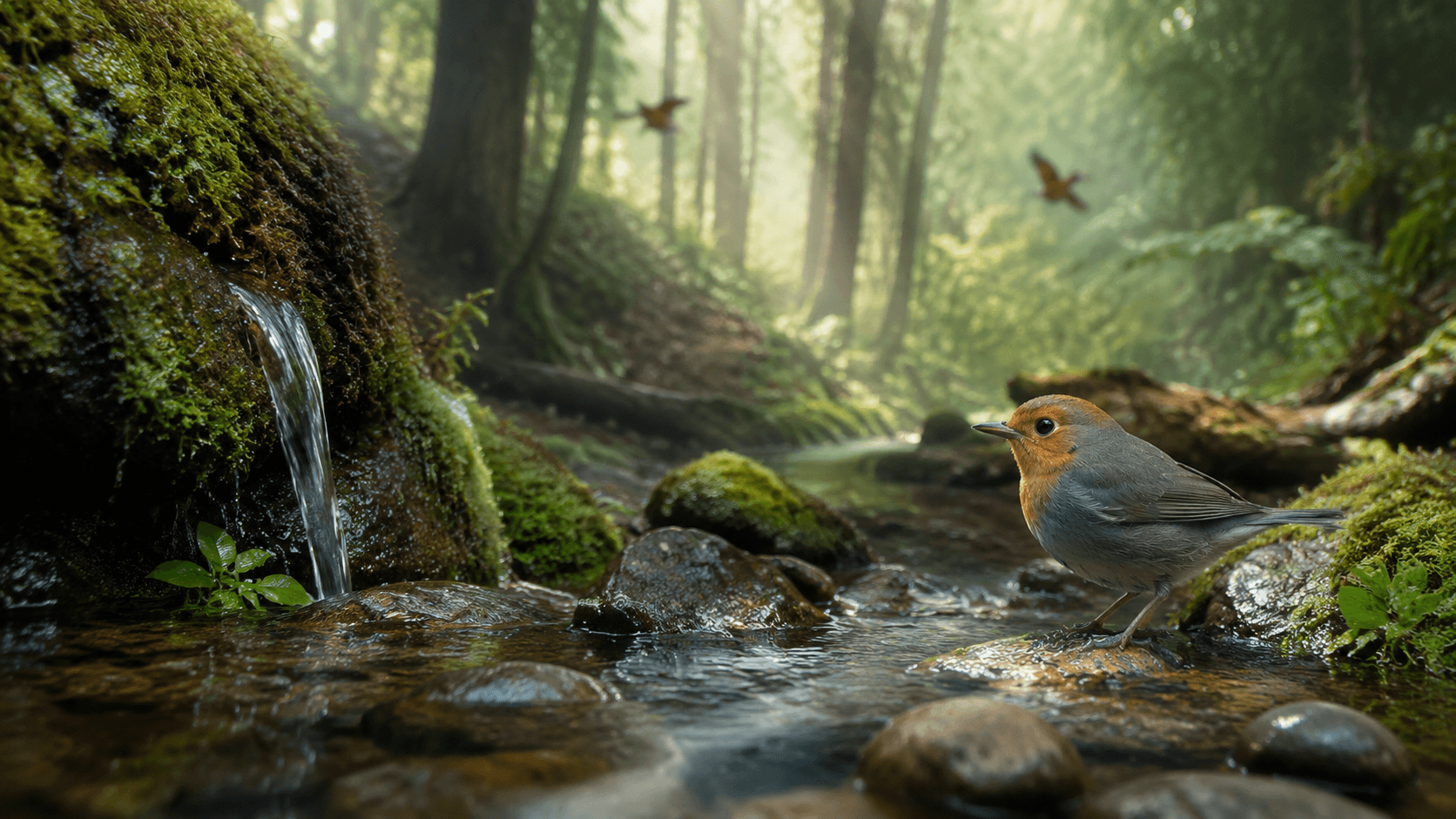
Build reference-based ASMR video scenes for wellness landing pages, spa campaigns, meditation apps, and serene brand content.
A good AI ASMR workflow starts with the mood you want to create, then adds image guidance or reference-based generation when the result needs more controlled texture, motion, or consistency.
Describe the atmosphere, texture, motion, camera feel, and pacing for prompt-based scenes like water ripples, candlelight, fabric, rain, skincare, or spa visuals.
Use text to ASMR video when exploring an idea, image to ASMR video when you want guided motion, or reference images when the scene must stay closer to source textures and objects.
Set output options such as aspect ratio and resolution based on whether you are making landscape ambience, vertical shorts, or cleaner product-style visuals.
Review the preview, then refine the prompt, image guidance, or references until the motion feels softer, calmer, and more immersive.
Quick answers about AI ASMR video generation, prompt-based creation, image-guided workflows, and when to use references for calmer scene control.
An AI ASMR video is a generated clip designed to feel calming, tactile, slow, or immersive. It often focuses on textures, closeups, repetitive motion, sleep loops, rain ambience, or ambient visual mood.
Prompts work best when they describe texture, movement, atmosphere, lighting, pacing, and camera feel. Specific details like water droplets, candle flicker, fabric folds, or skincare textures usually help.
Use text only when you want to explore a concept quickly or create a scene from pure imagination without anchoring it to a specific source image.
Use image inputs when you want guided motion, and use reference images when consistency matters more, especially for products, skincare textures, or a repeated visual style.
You can create sleep ambience loops, skincare scenes, rain visuals, candlelight clips, spa mood videos, texture showcases, and calming faceless creator content.
Start with a calming prompt, add images when you want more control, or browse templates before turning your idea into a soothing AI ASMR video.